

Wallet Protect
Protect your crypto with Wallet Protect
We’ve partnered up with Coincover to develop a brand-new product that’s designed to focus solely on protecting your crypto – let us introduce Wallet Protect.
What does Wallet Protect provide?
Wallet Protect offers you the safest and most comprehensive way to protect your cryptocurrency, and includes the following features for your peace of mind:

Multisignature
Your transactions are signed by multiple keys which increases security and allows for easy recovery.

Fraud Shield
Real time scanning for suspicious addresses to detect fraudulent activity and prevent loss of funds.

Theft Cover
Cover up to $1,000,000 of cryptocurrency with Theft Cover from Coincover - underwritten by Lloyd’s of London.

Personalised cover certificate
Receive a personalised certificate from Coincover confirming your cover level and providing assurance of your protection.

Ready to protect your crypto?
Crypto protection doesn’t have to cost a lot.
Check out our pricing below.
It's really quick and easy
It couldn’t be simpler to activate Wallet Protect on your LYPTOEX wallet
Select the wallet you would like to cover
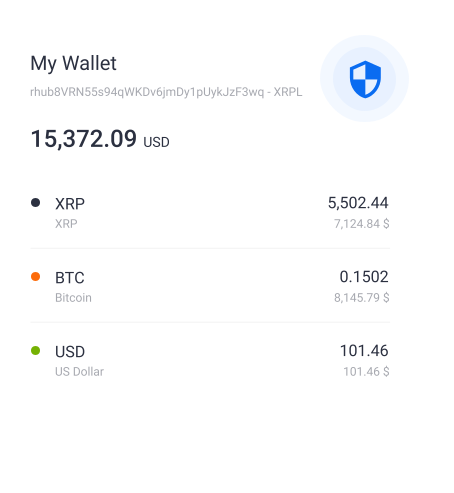
Click Enable on the wallet balance screen
Choose the level of cover and confirm your payment
Use your wallet in exactly the same way as you did before
It's really quick and easy
If you are hesitating, do not worry – we are here to explain
everything you might want to know. Let us help!
What is Wallet Protect?
Wallet protect is a yearly paid subscription that includes:
- Fraud Shield: real-time scanning for suspicious addresses provided by LYPTOEX, xrplorer and Chainalysis.
- Emergency Recovery: recovery of funds in worst case scenarios like losing access to your account.
- Theft Cover by Coincover: up to $1M theft cover provided by Coincover and underwritten by Lloyd’s of London.
- Personal certificate from Coincover confirming your funds are well and truly protected.
How does it work?
It works by making your wallet a “multisignature” or “multisig” wallet. Your transactions are signed by multiple keys which makes it possible to perform scanning and recovery in cooperation with Coincover.
Fraud Shield works by running all destination addresses through xrplorer, Chainalysis and LYPTOEX’s own fraud checks. That way we can help to prevent certain losses of funds.
If you lose access to your wallet, we can recover the funds from your Wallet Protect enabled XRPL wallet(s). This is a manual process so you will need to set up a new account and any funds that can be transferred will be moved to your new account.
Theft Cover is provided by Coincover. To start a claim get in touch with LYPTOEX via our support desk. We may ask for additional information about your claim.
How do I enable Wallet Protect?
Wallet Protect can be enabled on the Wallet Balances screen or via Wallet Advanced. The process takes just a few steps. You will need to select your coverage plan and payment option. Multisign will be set up for your wallet and at the end your wallet’s Master key will be disabled.
See our support article for detailed instructions.
Once you receive your confirmation that Wallet Protect is enabled, your coverage period will begin.
Check out our Customer Support Guide article to learn more.